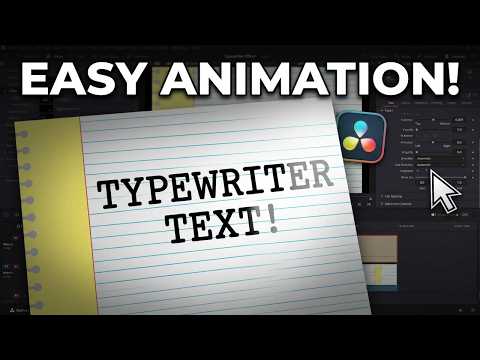
Typewriter Effect in DaVinci Resolve!
Learn how to add a typewriter effect in DaVinci Resolve quickly. This tutorial shows you exactly how to animate text using the Text+ tool.
If you are looking to add custom text animations to your projects, this DaVinci Resolve tutorial breaks down the process step-by-step. I focus specifically on utilizing the Text+ effect to achieve a clean, professional look for your titles or on-screen dialogue without needing complex plugins.
By the end of this video, you will be able to create a typewriter animation from scratch. I walk through applying the effect, setting your content, and adjusting the settings to get the timing just right. Whether you are a beginner or just brushing up on your skills, this guide makes the process straightforward and easy to follow.
Chapters:
0:00 – Intro
0:16 – Setting Up the Text Plus Effect
0:31 – Adding the Typewriter Effect
0:56 – Outro
Sensei’s Links:
Learn More about Me: https://www.jayhaynes.com/
Film Sensei Patreon: https://www.patreon.com/filmsensei
Productioncrate: https://productioncrate.grsm.io/FilmSensei
Get DaVinci Resolve for FREE: https://www.blackmagicdesign.com/products/davinciresolve
Sensei’s Links:
Film Sensei Patreon:
https://www.patreon.com/filmsensei
UDEMY Absolute Beginners Course on HitFilm Express: https://www.jayhaynes.com/
Productioncrate:
https://productioncrate.grsm.io/FilmSensei
Need anything? Contact me today!
Email: hitfilmsensei@gmail.com
Want to keep up with everything I am doing? Follow me!
Twitter:
https://twitter.com/filmsensei
Facebook:
https://www.facebook.com/filmsensei/
Twitch Livestreams:
https://www.twitch.tv/filmsensei
Please think about subscribing to my channel. Many thanks!