
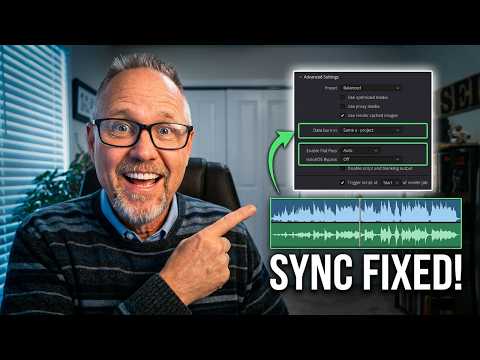
Audio Lagging in DaVinci Resolve? Try This!
Ever spent hours perfecting your project in DaVinci Resolve, only for the audio to be out of sync on export? This tutorial shows a common export glitch where sound lags behind the video. Learn a quick, two-click fix to ensure perfect audio and video sync every time, making your video editing seamless. This davinci resolve tutorial is packed with video editing tips to help you avoid future sync test frustrations.
🛠️ Resources & Links
Check out my other DaVinci Resolve Tutorials: https://youtube.com/playlist?list=PL-YqlYt6LpQtYDMR3wIJMNdmDaPOKyDRx&si=L6TSAB-Mq5HodOtW
📢 Connect with Hit Film Sensei:
Twitter: https://twitter.com/filmsensei
Facebook: https://www.facebook.com/filmsensei/
Sensei’s Links:
Learn More about Me: https://www.jayhaynes.com/
Film Sensei Patreon: https://www.patreon.com/filmsensei
Productioncrate: https://productioncrate.grsm.io/FilmSensei
🕒 Timestamps:
0:00 – Intro
0:33 – Basic Fixes First
1:10 – Export Setting Fixes
1:37 – Outro
If you found this tutorial helpful, please Subscribe and hit the 🔔 to stay updated on the latest DaVinci Resolve techniques!